Run MapCrafter
FLO-2D MapCrafter is a QGIS plugin designed to transform FLO-2D output files into comprehensive visualizations. It generates flood maps for single-phase simulations, sediment maps, mudflow maps, and two-phase simulation flood maps. Additionally, MapCrafter goes beyond by creating hazard maps, highlighting areas with elevated risks based on FLO-2D simulations, aiding in risk management. The plugin also streamlines the QGIS layout manager process by automatically generating templates for easy customization.
Note
MapCrafter / Rasterizor training video playlist is available on Youtube. MapCrafter Videos
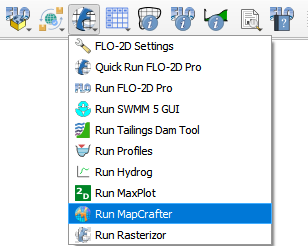
Click on Run MapCrafter.
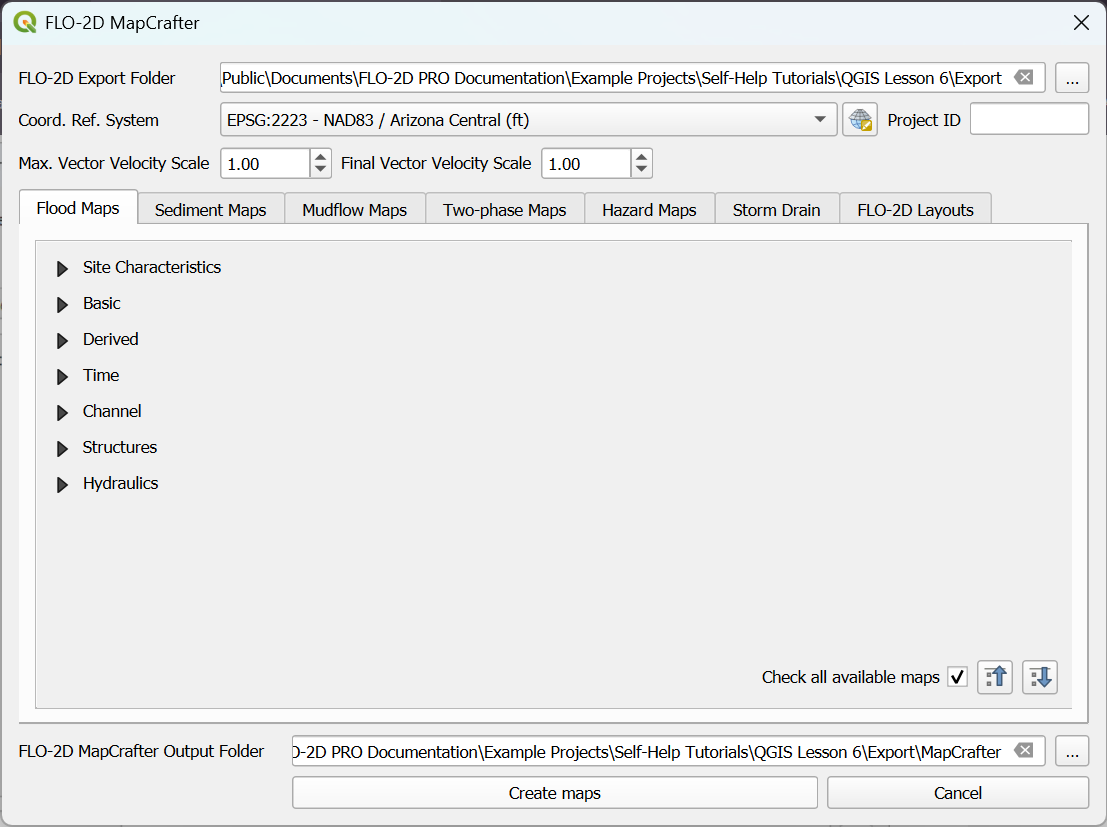
The MapCrafter will show up.
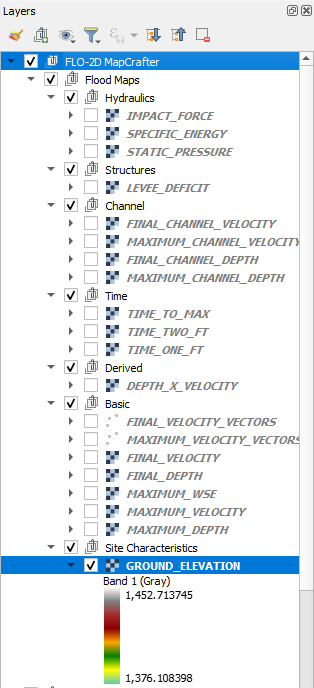
The maps are added to a group called FLO-2D MapCrafter.
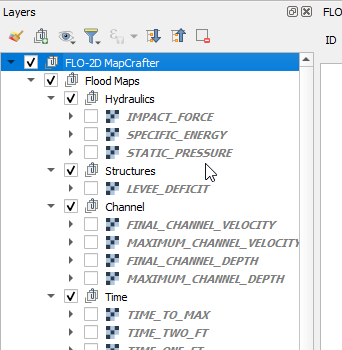
To remove the maps from the project Right click the group and click Remove Group.
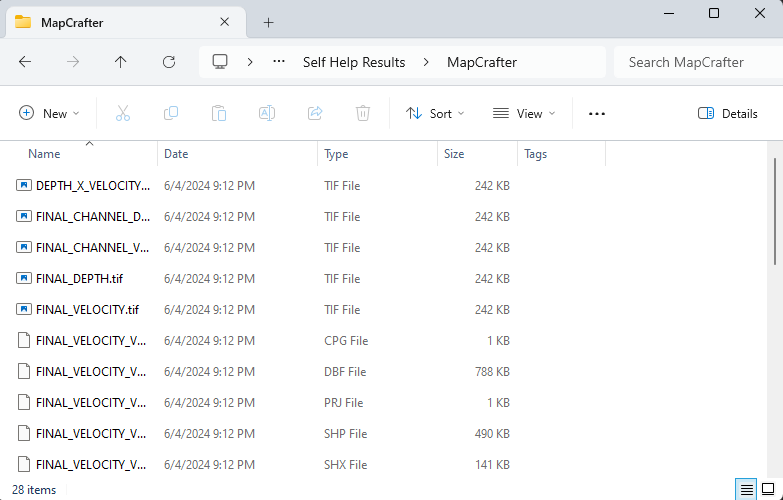
The raster and vector files are saved to the MapCrafter folder.
MapCrafter not installed
If MapCrafter is not installed, the following message will show up.
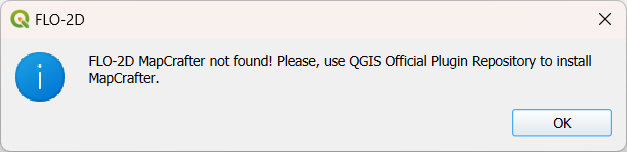
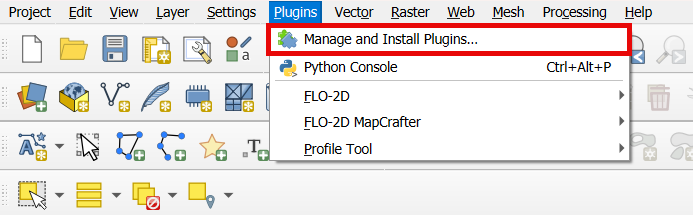
Use the QGIS Plugin Repository to install MapCrafter.
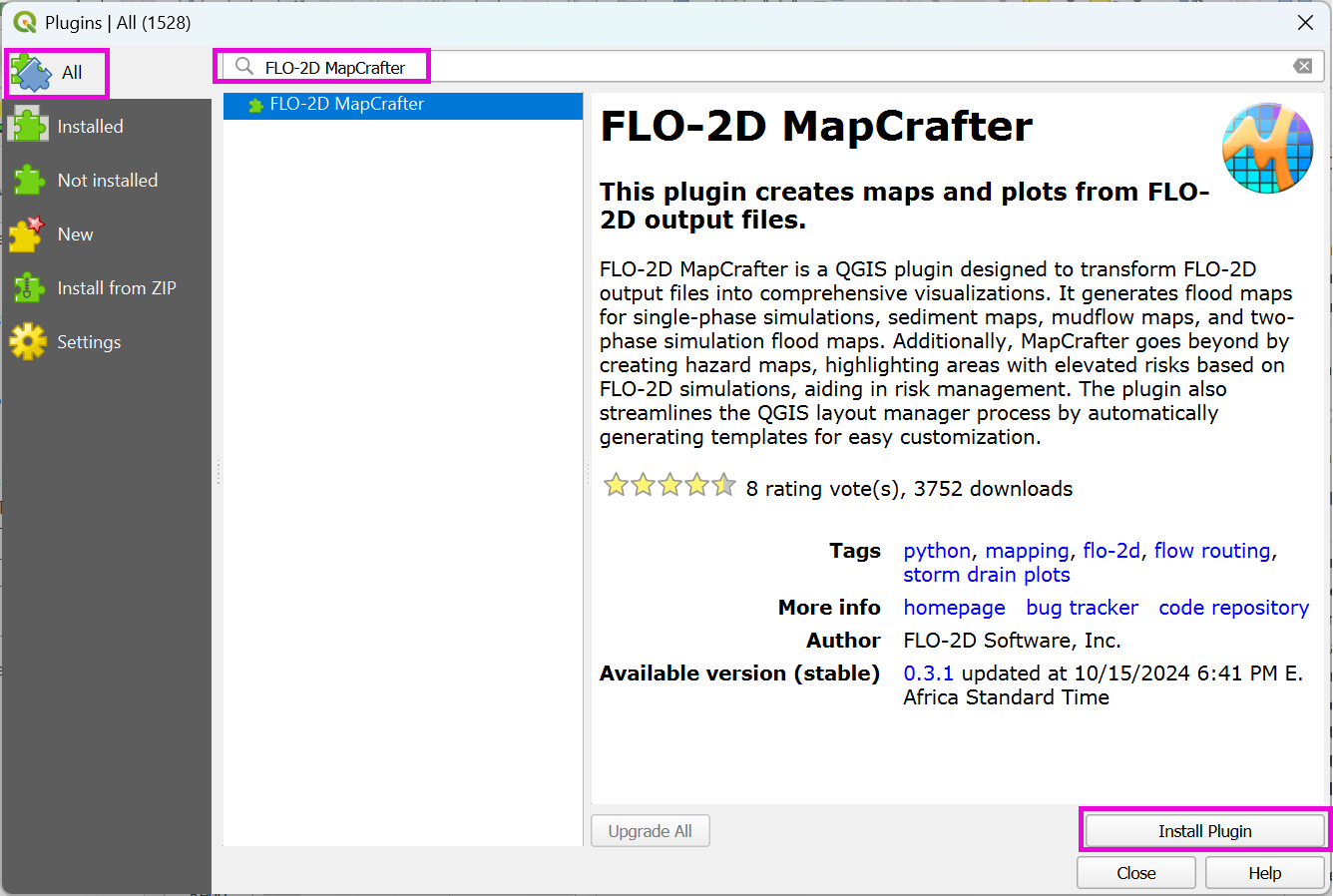
Look for MapCrafter on All and install MapCrafter.
Repeat step one to open MapCrafter.
Note
For more information on MapCrafter, check the FLO-2D-MapCrafter Wiki